S-Tier Specs, F-Tier Firmware: Knock-off Switches and VLAN 1
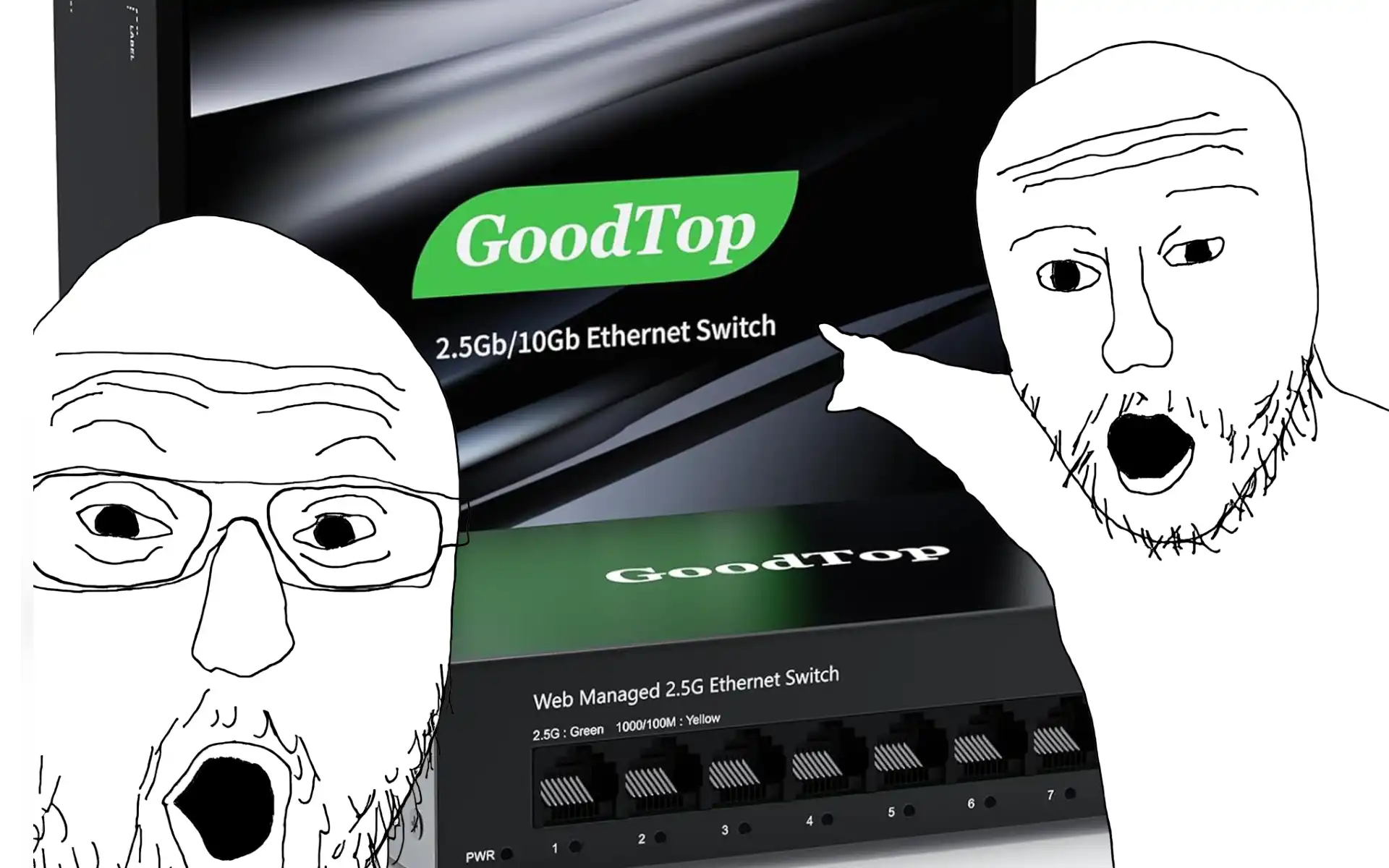
When expanding a 45U rack to run dedicated SOCs and Proxmox hypervisors, choosing the right networking hardware is a mini-boss fight in itself.
Like many other homelabbers, I was sold on the idea of using white-label switches from the glowing reviews from channels like Serve The Home. But here is the skill check: those hardware reviews won't save you from the firmware gacha mechanic. In other words, the alphabet-soup brands you find on Amazon are basically the same (or VERY similar) PCB and Silicon, but the firmware is a total RNG.
Before I dive in, let me address the obvious reddit tier question:
"Why not just buy a used Catalyst switch, bro?"
"Because it's loud as shit and chugs watts. My home is not a data center, bro."
Access vs. Trunk Ports (Explain It Like I'm Wood Rank)
Before I talk about exploits, let me explain access vs. trunk ports like you're 5 and if your a infrastructure vet, this isn't stackoverflow. Let me cook.
An Access Port is like a private game lobby (the physical port). Only you or your buddies (any device) can access whatever shenanigans happen on that lobby (the VLAN) only. None of you are aware about any other private lobbies on the network. The switch will strip any VLAN ID tags before handing over the data to the device.
A Trunk Port, on the other hand, is the server backbone. It carries traffic for multiple lobbies at once between switches or routers. To keep all the traffic organized, it slaps an 802.1Q tag on the packets so the receiving switch knows exactly which lobby the data belongs to.
(If my gamer explanation made you cringe, Practical Networking provides the CCNA textbook explanation.
Hardcoded VLAN 1 is a Massive Skill Issue
So, where does the firmware gamba screw you over? It all comes down to VLAN 1.
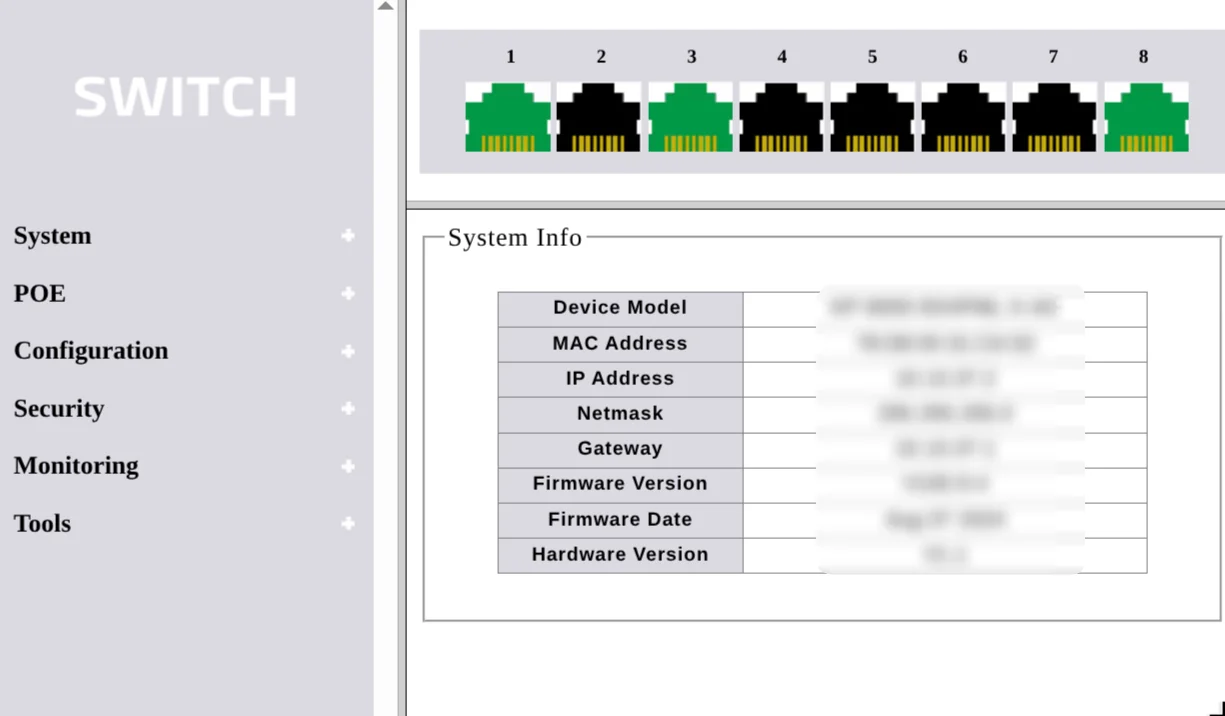
When you pull a switch out of the box, every single port is defaulted to VLAN 1. In the networking world, this is the default "native" VLAN. Any untagged traffic that enters a port gets dumped straight into VLAN 1.
Here is the trap: on enterprise gear (or just dog-water firmware), best practice is to immediately move your management interfaces (SSH, the Web GUI) off of VLAN 1 and onto a dedicated, secure management VLAN.
But with my white-label switch, the firmware was completely locked down. I couldn't change the default management VLAN.
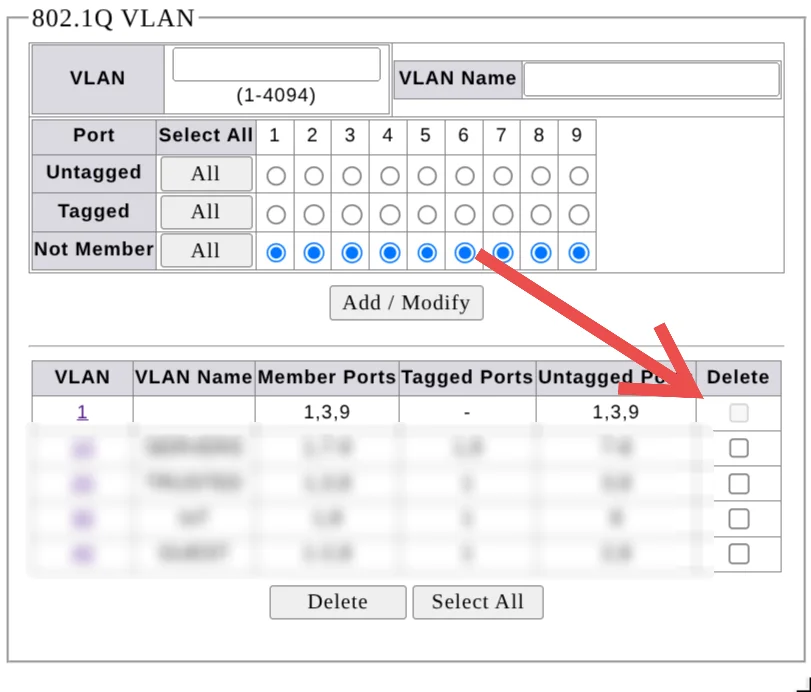
Now, you might be thinking, "Just configure all the active ports as access ports on a completely different VLAN and leave VLAN 1 dead in the water, duh".
Ha. You just activated my shitty firmware's trap card.
Even if you try to big brain the switch by moving all your devices to VLAN 10 or 20, it doesn't fully patch the issue. Because of the locked-down firmware on these white-label boxes, the actual web GUI is permanently stuck on VLAN 1. You literally cannot reassign it.
VLAN Hopping: The Layer 2 Wombo Combo
Disclaimer: Don't be a script kiddie. Attempting this on a network you don't own won't land you a job offer from the FBI like the movies; it will land you in federal prison.
Switch Spoofing (For the Cisco Homies)
If you actually listened to Reddit and bought a used Catalyst switch or studying for the CCNA, this exploit is up your alley. Switch spoofing relies on (Dynamic Trunking Protocol (DTP), a Cisco-exclusive feature that is often left on by default. An attacker just sends a fake DTP frame, tricks the switch into negotiating a trunk link, and suddenly they have wallhacks to view every VLAN on the network.
For the Amazon alphabet soup brand switches, DTP doesn't exist here. So we skip this and go straight for the real cheese strategy.
Double Tagging (The Russian Doll Trick For Packets)
This exploit works specifically because of that unchangeable VLAN 1 default we just talked about. It's a combo mechanic that bypasses your firewall rules entirely.
Here is the play-by-play of how it works:
-
The Setup: The attacker crafts a malicious packet with two 802.1Q tags. The outer tag matches the native VLAN (VLAN 1), and the inner tag matches their target (like your secure Proxmox or SOC VLAN).
-
The Bait: They fire the packet into an untagged access port.
-
The Exploit: The first switch sees the outer VLAN 1 tag. Since VLAN 1 is native, the switch does exactly what it was programmed to do: it strips the outer tag off and forwards the packet along.
-
The Payload Drop: Now, the packet is moving through the trunk link with the inner tag fully exposed. The next switch reads that inner tag and blindly drops the payload directly into your secure VLAN.
Congratulations. They just bypassed your firewall without ever pulling aggro. (Note: This is generally a one-way attack, meaning they can't easily establish a two-way TCP handshake, but they can effortlessly spam UDP packets to launch a Denial of Service or trigger other localized exploits).
Touching Grass: When Layer 2 Vulnerabilities Scale
This isn't just a home lab problem; this exact exploit path is how enterprise networks get rekt.
Imagine a hospital waiting room or a university lecture hall. Some IT contractor left an exposed wall jack configured to the default VLAN 1. A threat actor plugs in a rogue Raspberry Pi, uses double tagging to hop from the guest lobby into the clinical or admin VLAN, and suddenly they are inside the perimeter.
From there, they chain that initial Layer 2 foothold with credential dumping or SMB exploits to move laterally across the infrastructure. This is why having a locked-down management plane isn't just a flex for your rack; it's mandatory baseline security.
Min-Maxing Your Rack: Why I Kept One and Upgraded the Other
So, what’s the endgame here? I didn't completely rage-quit all the budget hardware, but I did go through the off-brand managed switch gulag to find the right one.
I actually kept one of the white-label switches. Why? Because I rolled a 12 on the firmware RNG. This specific box actually let me change the management VLAN, completely bypassing the VLAN 1 trap card. The "real" name-brand equivalent with the exact same port specs cost almost triple, so my wallet forced my hand.
But make no mistake: running this gear is a massive compromise. I emailed their support team a few weeks ago asking about a firmware update and got ghosted. You are completely on your own if something breaks.
For the rest of the rack, I banished the e-waste switches to the shadow realm and upgraded to the TP-Link Omada line. It’s the current meta for budget-conscious homelabs. You get the enterprise security buffs on a budget. It doesn't have POE, and had to buy a poe injector for my access point.
If you are tempted by the alphabet-soup brands on Amazon, here's ya boy's strats:
-
Always compare prices. If a comparable TP-Link Omada is only slightly more expensive, just pay the extra gold. Save yourself the time, dodge the firmware RNG, and enjoy having actual customer support.
-
Abuse S-tier return policies. If you roll the dice on a budget switch, only buy from retailers with hassle-free returns. You literally will not know if the firmware is scuffed until you load up the Web GUI. If the management VLAN is hard-locked to 1, box it back up immediately.
Building a home lab is a balancing act between min-maxing your budget and protecting your network. Saving fifty bucks on a switch isn't worth letting your entire infrastructure get pwned by a factory default configuration.